The “No-Risk” Guide to Debugging WordPress Plugin Conflicts

We’ve all been there. You notice a weird layout bug or a checkout error, and the standard advice is always the same: “Deactivate all your plugins and turn them back on one by one.”
On a live site, that advice is terrifying. Deactivating plugins can lose your settings, break shortcodes for visitors, and stop critical background tasks from running.
But what if you could “deactivate” plugins only for yourself, while your customers see everything running perfectly?
Introducing Session-Based Debugging
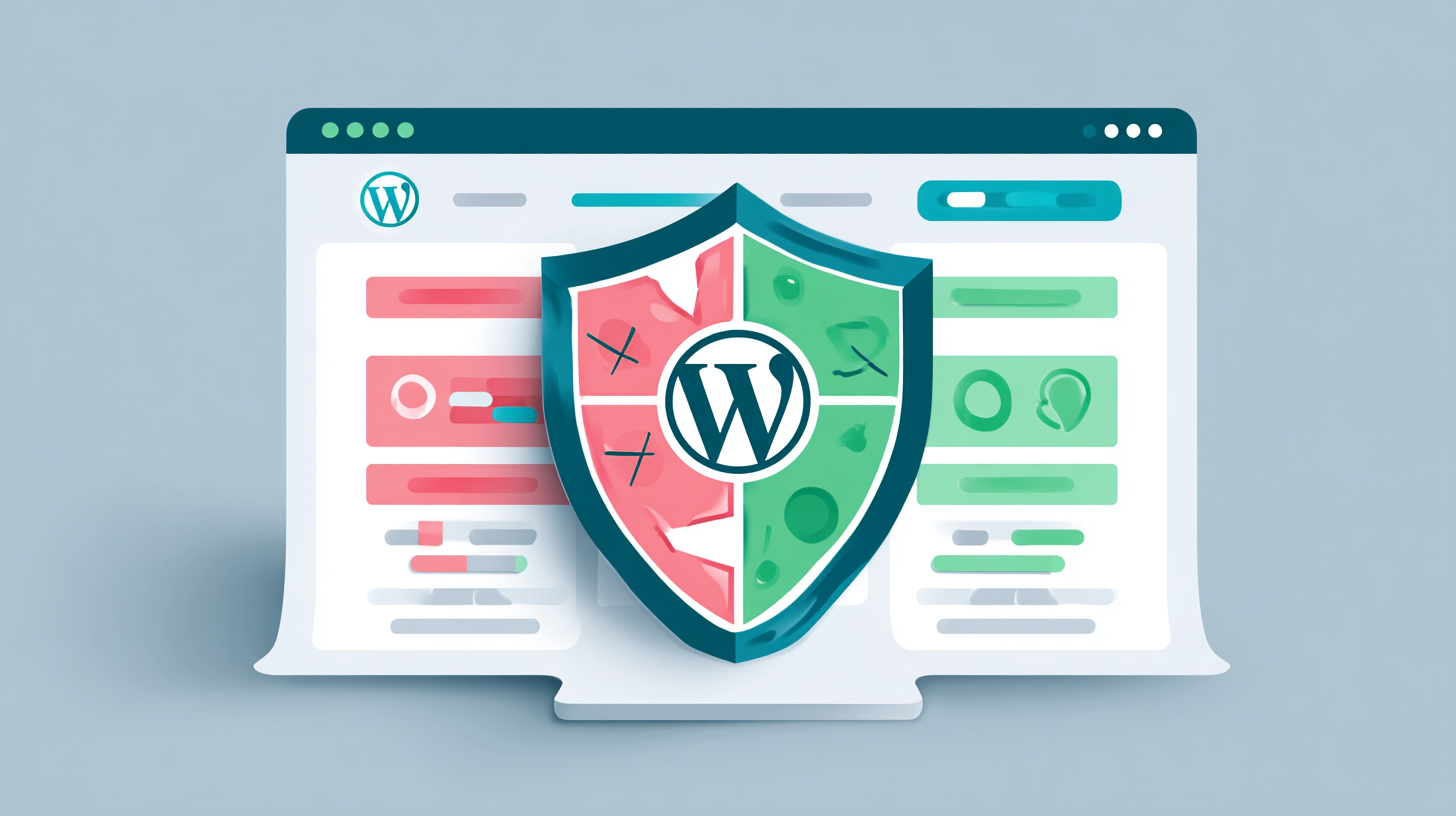
The Extension Profiles plugin introduces a revolutionary way to troubleshoot. Instead of changing which plugins are active in your WordPress database, it filters them in real-time based on your user session.
Why This is the Safest Way to Debug
- Zero Visitor Impact: Extension Profiles uses a secure cookie to tell WordPress which plugins to load for you. Everyone else continues to see the full site.
- Database Integrity: Since you aren’t actually clicking “Deactivate” on the Plugins page, your plugin settings and data remain untouched.
- The “Minimalist” Profile: You can create a profile called “Debug Mode” that only includes your theme and 2-3 essential plugins. If the bug disappears in that profile, you’ve confirmed a conflict exists without ever taking your site offline.
How to Use Extension Profiles for Troubleshooting
- Step 1: Navigate to Plugins > Profiles.
- Step 2: Create a new profile (e.g., “Safe Debugging”) and select only the bare minimum plugins needed for the site to function.
- Step 3: Use the Admin Bar Switcher at the top of your screen to activate that profile.
- Step 4: Browse your site. If the error is gone, you can start adding plugins back to your profile one by one until the error reappears.
What if a Profile Breaks the Admin?
If you accidentally activate a combination of plugins that causes a fatal error, don’t panic. Extension Profiles includes an Emergency Disable feature. Simply add ?ep_disable=1 to any URL in your admin area, and your session will be restored to the normal, full plugin list immediately.
Stop “cowboy coding” your live site. Download Extension Profiles and start debugging the safe way.